Version 1.0.0
- OpenCart 2.3.0.2
- Dedicated PHP
.tpladmin interface - OpenCart 2.3 event and OCMOD integration
- OCMOD installation package

GA4 ecommerce, Google Ads purchase conversions and Meta Pixel events, backed by order-by-order Tracking Assurance for OpenCart 2.3, 3 and 4.
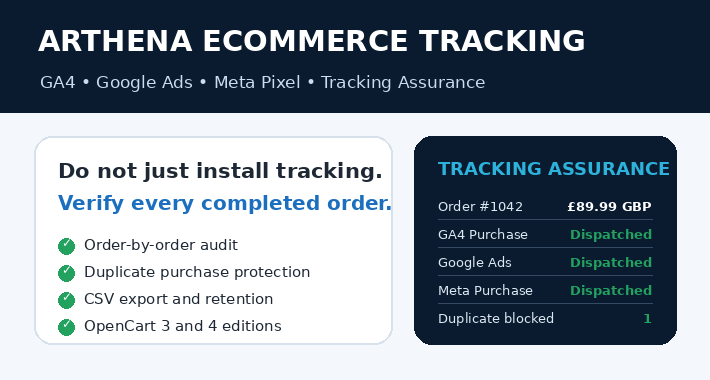
Most tracking extensions stop after adding scripts. Arthena Ecommerce Tracking adds a privacy-safe Tracking Assurance dashboard so store owners can check whether OpenCart generated and dispatched the expected purchase events for each completed order.
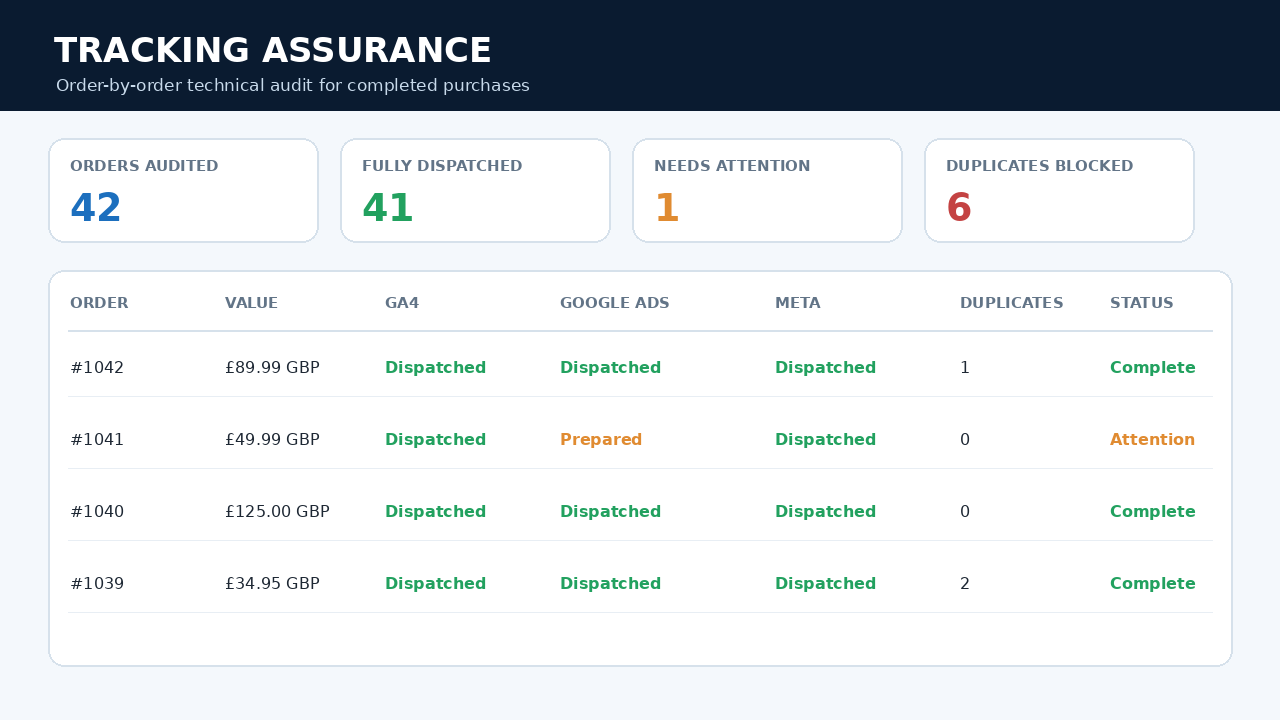
Review the order value, currency, transaction ID, enabled platforms and duplicate attempts from one clear admin screen.
| GA4 Purchase | Dispatched |
| Google Ads Conversion | Dispatched |
| Meta Purchase | Dispatched |
| Transaction ID | Correct |
| Duplicate attempts | 1 blocked |
“Dispatched” confirms the browser tracking call was generated. External attribution remains controlled by Google or Meta.
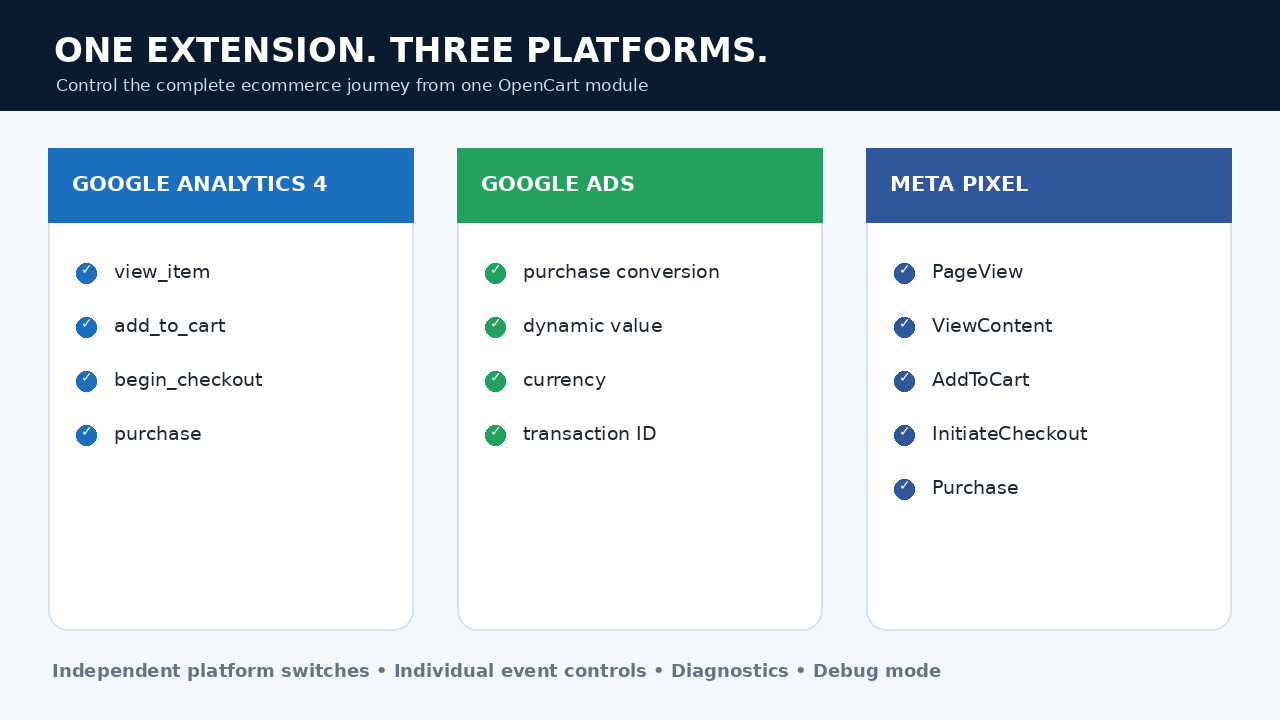
Send view_item, add_to_cart, begin_checkout and purchase events with product and order data.
Send purchase conversion value, currency and transaction ID to the configured Google Ads action.
Send PageView, ViewContent, AddToCart, InitiateCheckout and Purchase events.
Review order-by-order prepared and dispatched status for each enabled platform.
Prevent purchase events from being sent again when the success page is refreshed.
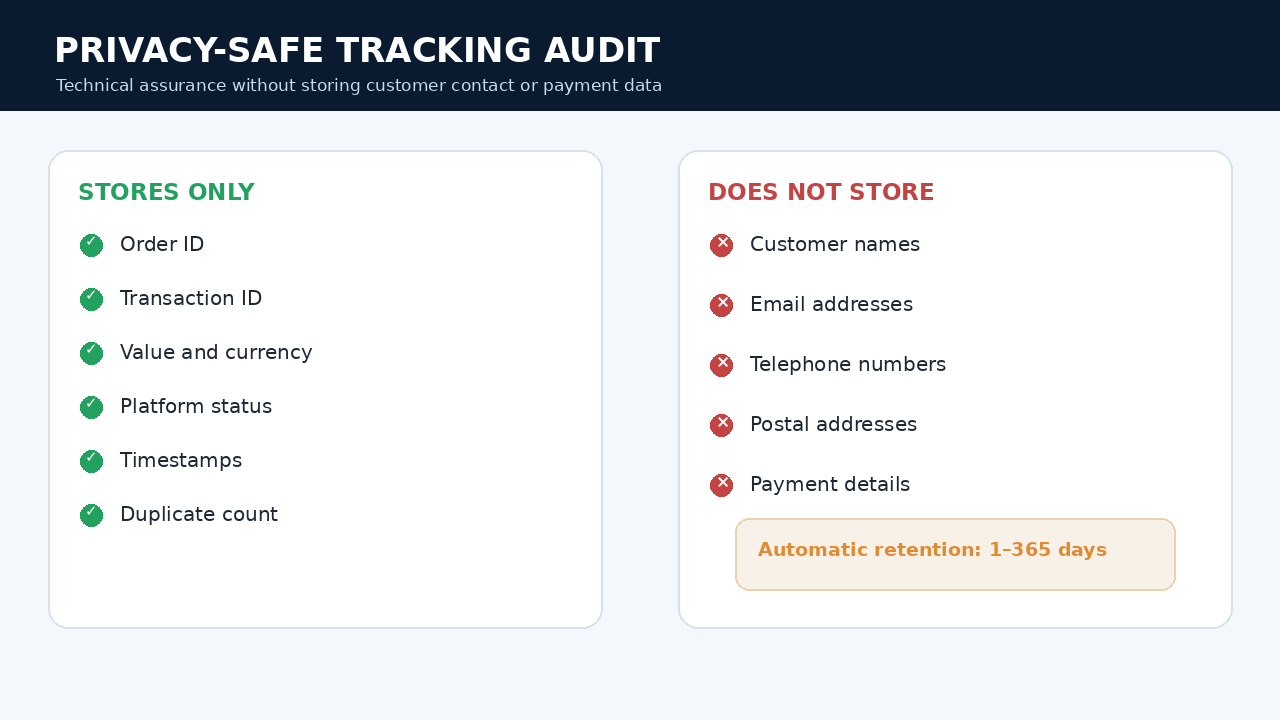
Store technical event details only—no customer names, email addresses, postal addresses or payment data.
Export the Tracking Assurance log for diagnostics, support and internal review.
Choose how long technical tracking records are retained and clear the log when required.
Open Google Analytics, Google Ads, Meta Events Manager and the storefront directly from the dashboard.
.tpl admin interfaceThe OpenCart 2.3.0.2 edition has been tested on a matching OpenCart 2.3.0.2 store for product view, add to cart, checkout, purchase, duplicate-purchase prevention and Tracking Assurance. As with any extension, back up the store before production deployment.
Secure payment is processed through Square. Select your exact OpenCart version during checkout and the matching private download will be sent after payment confirmation.
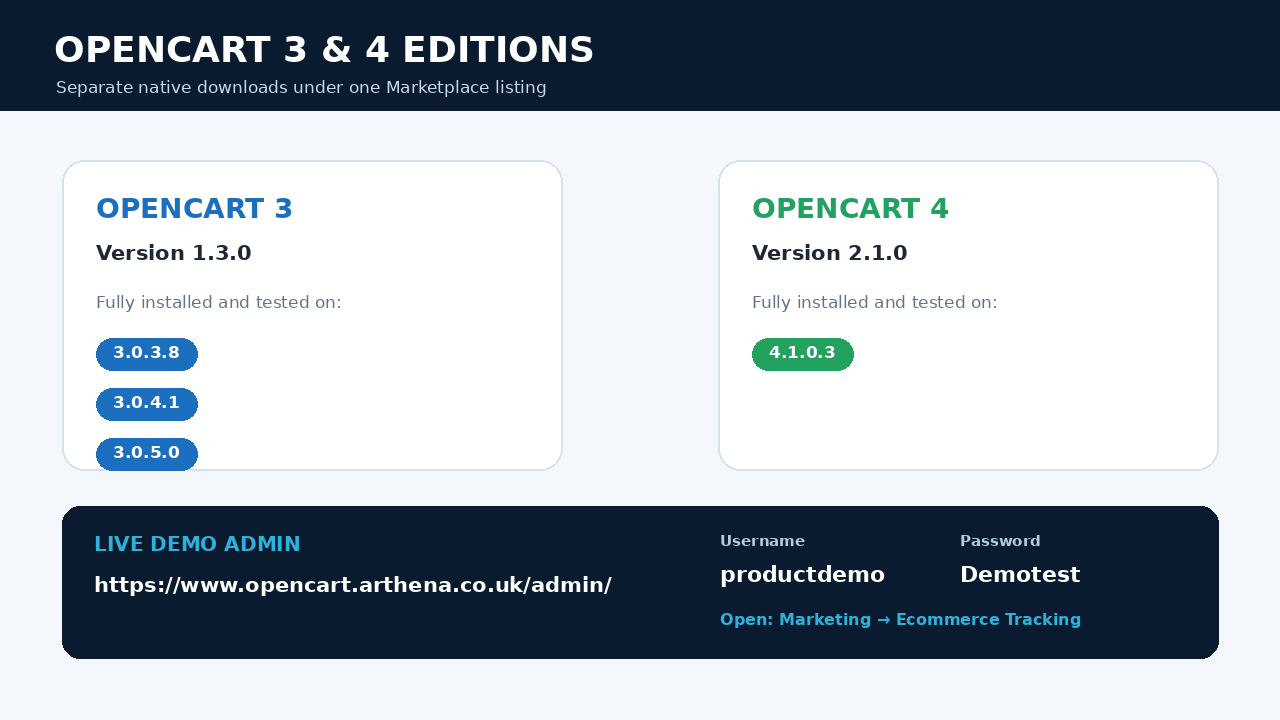
The demonstration account can view the extension dashboard, platform status, event registration and Tracking Assurance log. Settings and sensitive store actions may be restricted.
After logging in, open Marketing → Ecommerce Tracking.
.ocmod.zip through Extensions → Installer..ocmod.zip through Extensions → Installer.Use the live demonstration to explore Arthena Tracking Assurance before purchasing.