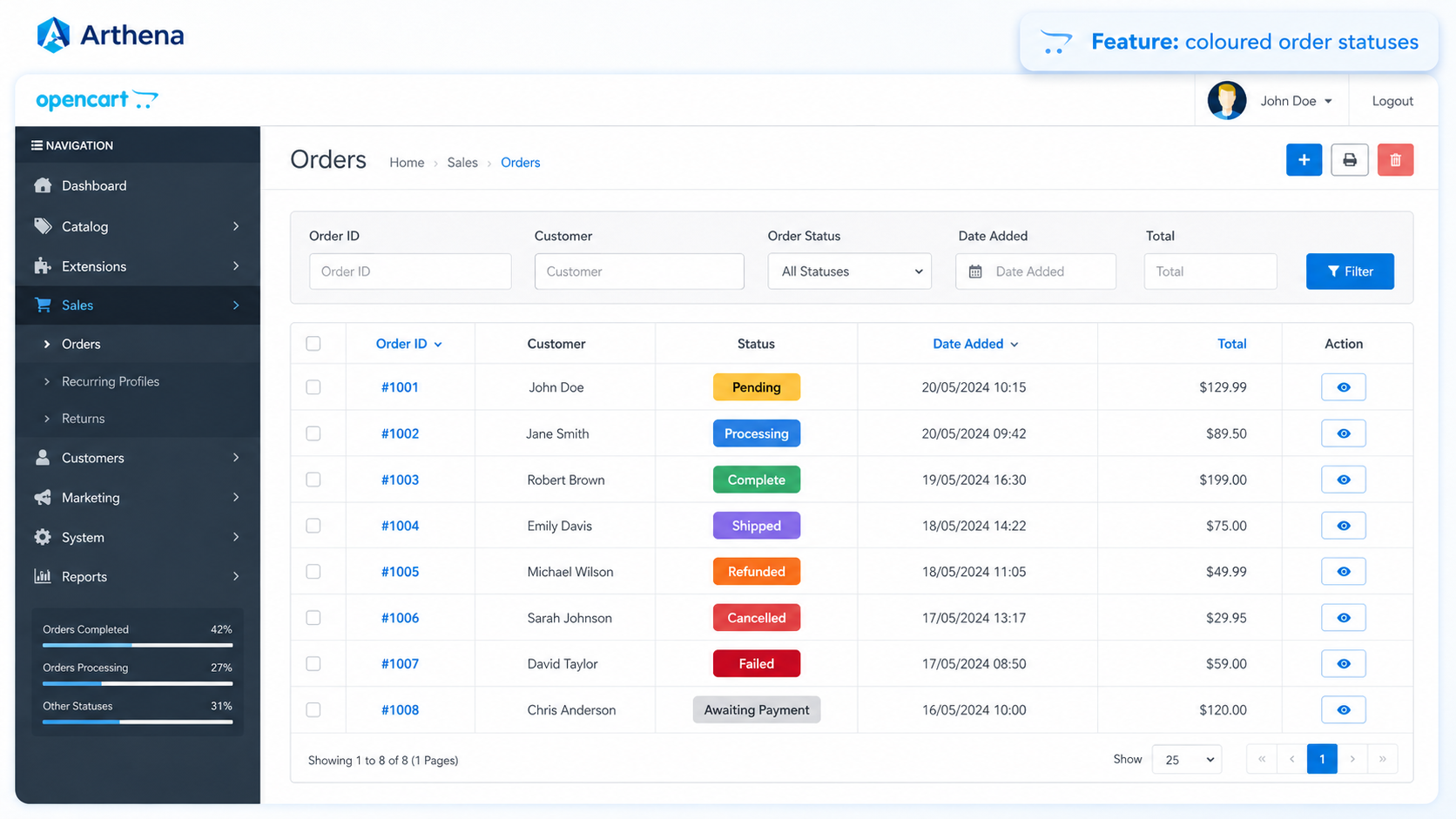
Coloured Order Statuses
Different order states are immediately easier to recognise in Sales → Orders.

Make your OpenCart order list easier to scan by giving every order status its own clear, configurable colour badge.
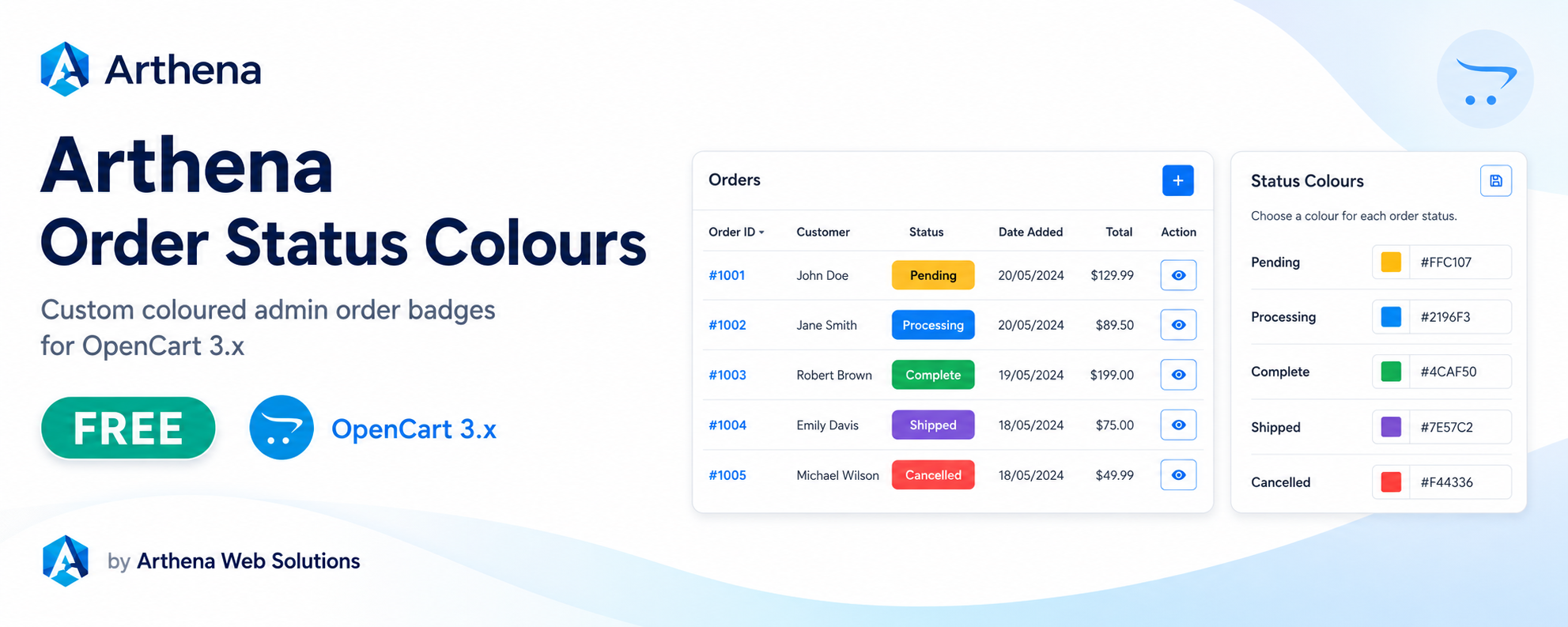
The extension is installed on the public Arthena OpenCart demonstration store, so you can log in and see the coloured order badges in a real OpenCart admin area.
After logging in, open Sales → Orders to see the coloured status badges. To view the configuration screen, open Extensions → Extensions → Modules → Arthena Order Status Colours.
Open Live DemoThe demonstration account is shared and may have restricted edit permissions. Demo data can be reset periodically.
This is the same OpenCart test environment used to verify Arthena extensions. The coloured order statuses are already installed and visible for demonstration.
Standard OpenCart order lists can make different statuses blend together. Order Status Colours adds a clear coloured badge to each status so you can spot Pending, Processing, Complete, Cancelled and your own custom statuses at a glance.
Choose a separate colour for every order status used by your store.
Pick colours from one module settings screen without editing code.
Your own OpenCart order statuses appear automatically in the colour list.
Badge text automatically switches between dark and light for contrast.
Customer-facing order information is unchanged; this improves the admin view only.
No OpenCart core-file edits and no database schema changes are required.
The extension does not force a fixed palette. Choose colours that match the way you work and change them whenever you want.
Different order states are immediately easier to recognise in Sales → Orders.
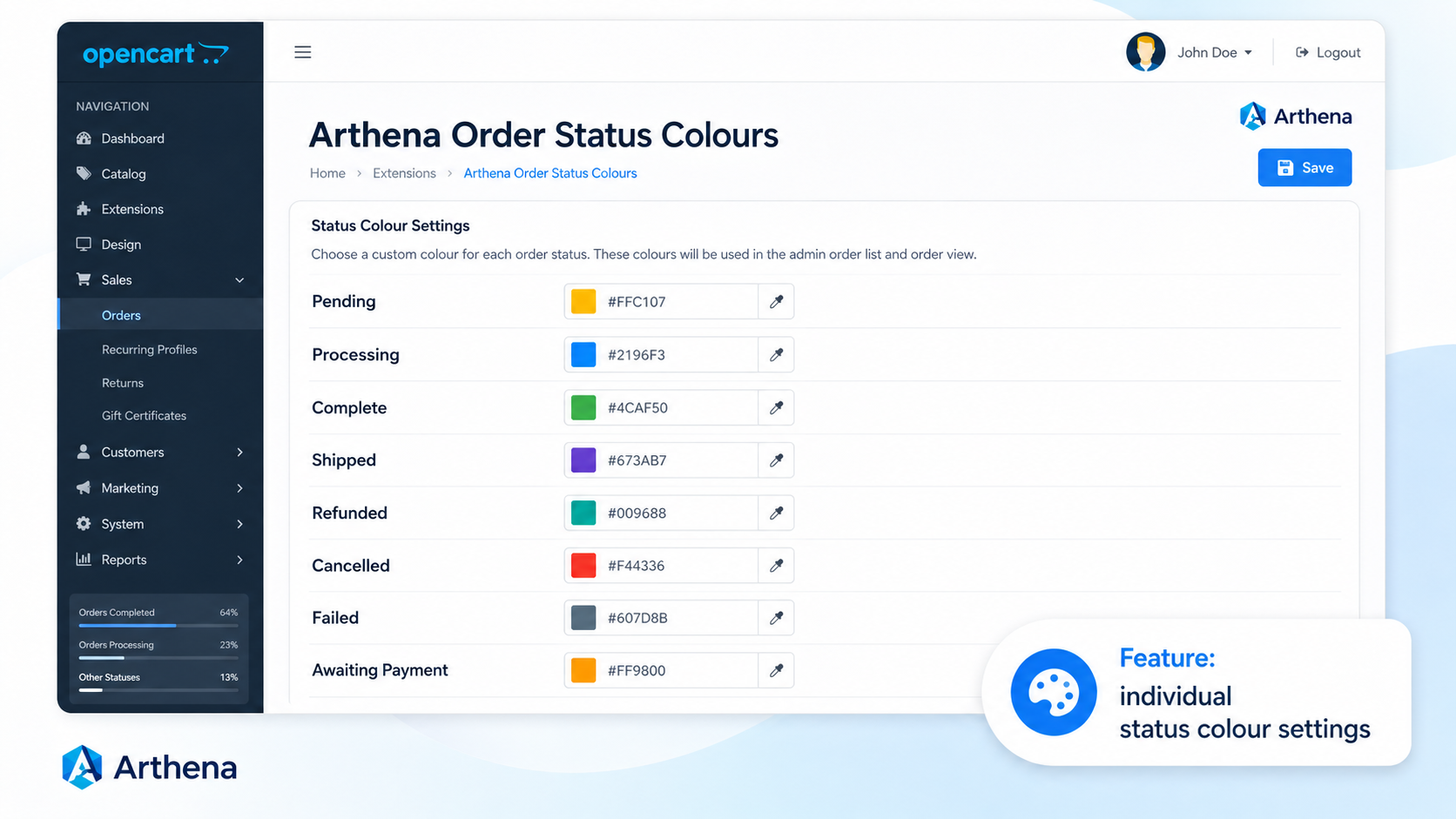
Choose and save a different colour for every standard or custom order status.
Upload arthena_order_status_colours_v1.2.0.ocmod.zip
through Extensions → Installer.
Open Extensions → Modifications and click the blue Refresh button.
Open Extensions → Extensions, select Modules and install Arthena Order Status Colours.
Click Edit, choose the colour for each order status, save and open Sales → Orders.
Explore more Arthena OpenCart tools for catalogue management, store monitoring, security, tracking and administration.